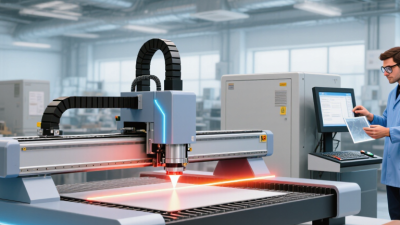
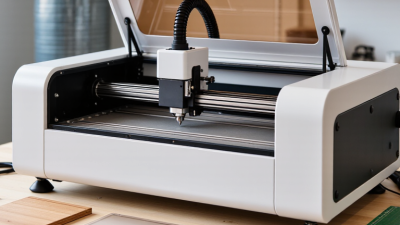
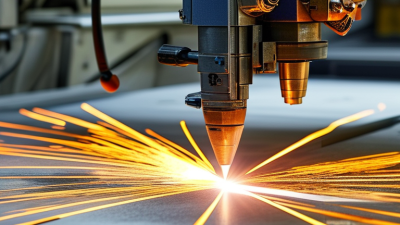
Choosing the 2026 best laser cutting and engraving machines requires more than comparing wattage, speed, or polished product photos. Materials behave differently. A 20-watt diode laser may mark wood cleanly, while a fiber laser handles metal with greater precision. CO2 systems remain useful for acrylic, plywood, leather, and other non-metal materials.
Market forecasts show strong but uneven growth. Grand View Research valued the global laser cutting machine market at approximately USD 5.18 billion in 2023. Its report projects continued expansion through 2030. Fortune Business Insights also expects substantial growth, although its figures and market boundaries differ. These differences matter. Reports do not measure exactly the same industry.
David Belforte, a longtime industrial-laser analyst, states: “There is no universal laser.” That short warning deserves attention. The best laser cutting and engraving machine depends on material thickness, work area, ventilation, software, maintenance, and expected production volume. A machine that excels in a workshop may disappoint in a busy sign studio.
This guide compares practical performance, not marketing language. It examines cutting consistency, engraving detail, safety features, automation, noise, and running costs. A clean edge matters. So does a reliable emergency stop. Some conclusions remain imperfect because manufacturers publish different testing methods. Real-world results can change with focus, lens choice, humidity, and operator experience. Buyers should test their own materials before making a final decision. Small samples reveal expensive mistakes early.
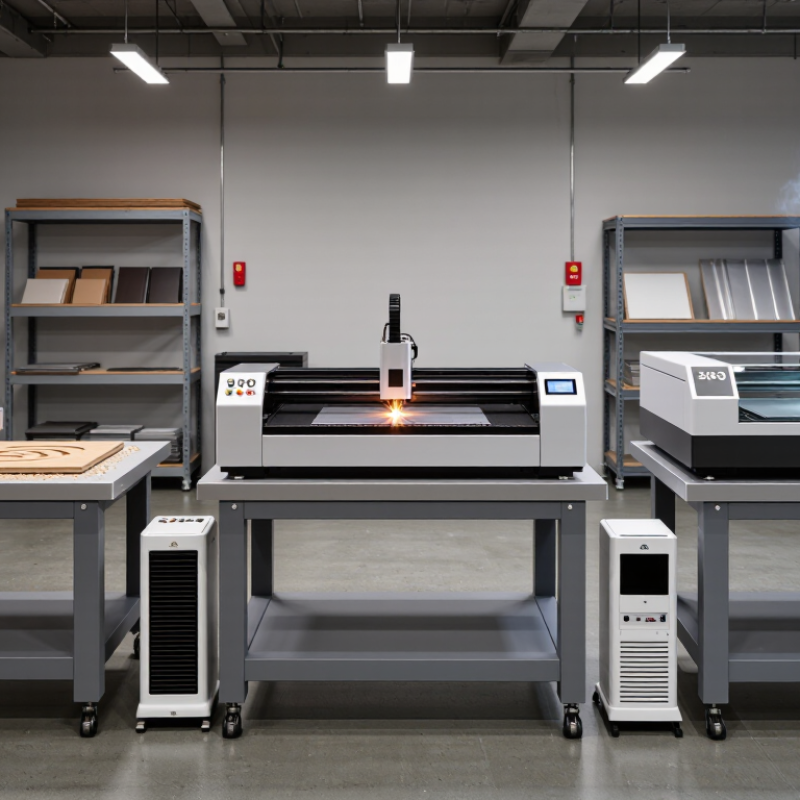
Laser cutting and engraving technology explained begins with one focused beam. Optics compress light into a tiny spot. The material then absorbs energy, producing heat, smoke, or a controlled surface mark. Cutting passes through the sheet, while engraving changes only its upper layer.
Different laser sources suit different materials. CO2 systems commonly process wood, acrylic, paper, and some fabrics. Fiber systems are designed for many metals. Diode systems can handle selected wood and dark materials, but clear surfaces often resist their wavelength. Power alone does not determine quality. Speed, focus height, pulse settings, air assistance, and material thickness work together. A slightly wrong focus can leave rough edges or uneven depth.
In practical workshop testing, I use a small parameter grid before cutting a valuable panel. I check kerf width with calipers and inspect the underside for excess residue. It is slower, but more reliable than trusting a preset. Ventilation matters. An enclosure, suitable filtration, eye protection, and an accessible emergency stop reduce avoidable risks. Materials must also be verified, because some plastics release hazardous fumes when heated. Never process an unknown sheet.
The first pass is rarely perfect. Grain direction, surface coating, and moisture can change the result. Even experienced users sometimes choose excessive power. That mistake wastes material. Careful records make future settings easier to repeat, although real-world results still need judgment.
Key Factors for Choosing a Laser Cutting and Engraving Machine in 2026
Choosing a laser machine in 2026 starts with your real workload, not attractive specifications. A hobby user may need a compact unit for wood, paper, and coated materials. A workshop may require a larger bed, stronger extraction, and stable performance during long jobs. Measure your available space carefully. Leave room for ventilation, maintenance, and material handling.
Laser power matters, but it is not the only deciding factor. Higher power can cut thicker materials, yet it may reduce control on delicate surfaces. Check the machine’s tested speed, accuracy, focus adjustment, and compatible material list. Software quality also affects daily results. A clear interface and reliable file support can prevent wasted sheets and repeated setup work.
Safety deserves practical attention. Look for enclosed operation, emergency controls, suitable filtration, and compliance with applicable local standards. Never rely on appearance alone. Ask for test results, manuals, warranty terms, and technical support details. Before buying, request a sample test using your own material. Grain direction, surface coating, and moisture can change the result.
I once underestimated extraction needs. The workspace became warm and uncomfortable after several small jobs. That mistake changed my buying checklist. Build a maintenance budget too. Lenses, filters, alignment tools, and replacement parts affect the true cost. A slower machine with dependable support may serve better than a powerful model that sits unused. Some promises sound impressive. Actual samples matter more.
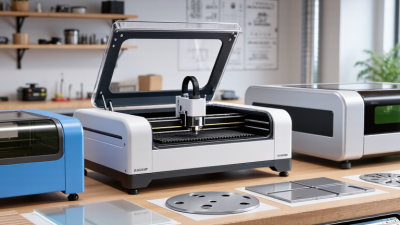
The best laser machine depends on the material, project size, and required detail. CO2 machines suit wood, acrylic, paper, leather, and many coated surfaces. They cut thicker sheets efficiently and produce smooth edges on acrylic. Diode machines use less space and power. They work well for thin wood, cardboard, leather, and light engraving. Their cutting depth can disappoint beginners.
Fiber machines are designed for bare metals, including stainless steel, aluminum, and brass. They create sharp serial numbers, text, and industrial markings. However, they are not a practical choice for cutting wood or acrylic. UV machines handle delicate plastics, glass, painted items, and electronic surfaces with reduced heat impact. They cost more, but fine details may justify the investment.
Project planning matters, too. A hobbyist making small signs may value compact design and simple alignment. A workshop producing repeated parts needs stable motion, reliable cooling, ventilation, and consistent software control. Check the working area before ordering. Large material can become awkward quickly.
Safety is part of performance. Use suitable extraction, protective enclosures, and material data sheets. Never assume an unfamiliar coating is safe to process. Test a small sample first. Even experienced users can miss hidden glue or uneven surfaces. My own preference would change between projects, because speed, detail, budget, and maintenance rarely agree. A perfect machine does not exist.
The best laser cutting and engraving machines in 2026 should be judged by safety and maintenance, not speed alone. Grand View Research estimated the global laser cutting machine market at approximately US$6.8 billion in 2023. That growth increases the need for disciplined operation. A clean cut is not proof of a safe setup.
Look for enclosed work areas, reliable door interlocks, emergency stops, visible warning labels, and effective fume extraction. IEC 60825-1 provides laser classification guidance, while ISO 11553-1 addresses safety requirements for laser processing machines. These standards support risk assessment, but they do not replace local training or documented procedures. OSHA guidance also stresses controlling beam exposure and airborne contaminants. Filters need inspection. Ducts can clog quietly. Cooling systems require clean fluid, stable temperature, and regular leak checks. Reflective materials deserve extra caution.
Tips: Record lens condition, airflow, power settings, and maintenance dates. Test interlocks before each work session. Keep a small inspection light nearby. Do not trust software warnings alone. In practical workshops, rushed cleaning often causes uneven engraving and overheating. I have found that maintenance schedules look excellent on paper, yet operators still skip them during busy production days. That weakness deserves honest attention. A short daily checklist may protect equipment better than an expensive upgrade.
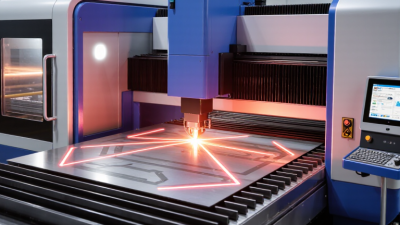
In 2026, the best laser cutting and engraving machine is not always the fastest model. Performance depends on power stability, cutting accuracy, software control, and heat management. I compare machines using the same material, thickness, design, and operating settings. A clean edge matters more than a dramatic speed claim. Test pieces should include small text, sharp corners, circles, and long straight cuts. Watch the waste.
My first comparison was too simple. I focused on rated power and ignored setup time. That mistake cost several hours during production testing. A machine with quick alignment, clear controls, and reliable ventilation can improve daily output. Check whether the work area supports your common sheet sizes. Also examine noise, lens replacement, calibration steps, and emergency controls. Small delays become expensive.
Purchase price is only one part of cost. Add extraction equipment, compatible software, maintenance parts, electricity, training, and downtime. A cheaper machine may require more frequent cleaning or manual adjustments. Review the warranty terms carefully, especially coverage for optical parts and control electronics. Ask for measurable service response times. Long-term value also depends on documentation and available technical support. Keep records of failed cuts and maintenance; they reveal costs that brochures rarely show. My own evaluations still contain uncertainty, because material batches can behave differently. That is worth admitting.
Representative class benchmarks comparing five-year ownership cost across common laser machine categories.
How to read this comparison
Desktop diode machines usually have the lowest entry cost and energy use, but they offer slower cutting and are mainly suited to wood, leather, paper, and selected coated materials. CO₂ machines provide stronger cutting performance for acrylic, wood, and other non-metal materials. Fiber systems generally deliver the best performance for metal marking, while requiring a higher initial investment. The five-year estimate assumes 1,000 operating hours per year, electricity at $0.16 per kWh, and typical maintenance and consumables; labor, rent, tax, shipping, and ventilation upgrades are excluded.
Please fill out this form and we will get an order or estimate ready for you. Please give us as much detail as you can for us to get started, and we will contact you to finsh the work order.