How to Choose the Best Laser Etching Machine?
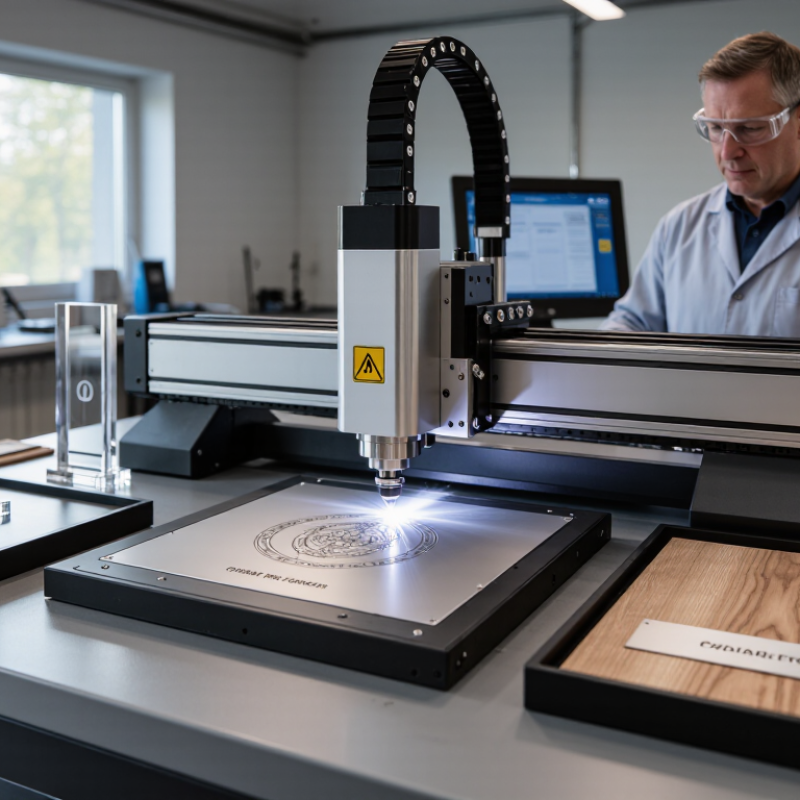
Choosing the best laser etching machine starts with the material, not the machine’s wattage. A stainless-steel nameplate, a glass award, and a wooden panel each respond differently to heat, speed, and focus. The right setup should produce clear, repeatable marks without scorching edges or losing fine detail. Small differences matter.
Laser-processing expert Dr. Reinhart Poprawe’s application-focused work offers a useful principle. A practical paraphrase, not a verified verbatim quotation, is: “Choose the process before choosing the machine.” That means identifying your materials, mark size, required throughput, and production environment before comparing models. A machine built for occasional custom work may struggle with a busy production line. A powerful system can also be the wrong fit if it cannot mark your smallest text cleanly.
This guide explains how to assess laser etching systems by laser type, power, work area, software, safety features, and ongoing costs. It also considers how samples perform on your actual materials, under realistic settings. Ask suppliers for test marks, not just polished photos. Check whether replacement parts and technical support are accessible. And be candid about your needs: the “best” machine may not be the most expensive—or the one with the biggest specifications. A test can still surprise you. That is worth remembering.
Understand Laser Etching and Its Main Applications
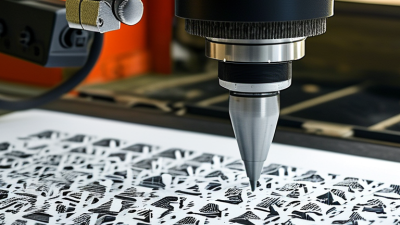
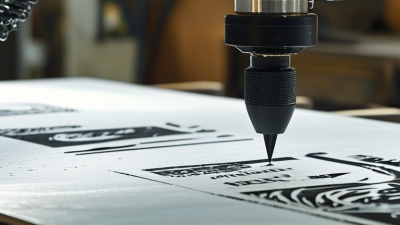
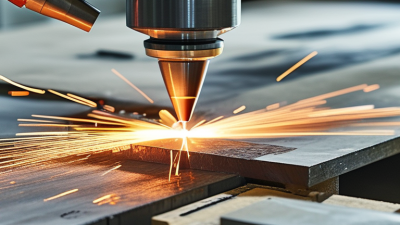
Laser etching uses a focused beam to heat a material’s surface, creating a shallow recess or visible contrast. Unlike ink, the mark forms in the material itself, making it useful for durable identification on metal, plastics, and coated parts. Depth and color vary with the material, wavelength, power, and speed. That distinction matters. Fortune Business Insights’ 2024 Laser Marking Market report estimates the global market will grow from about USD 3.18 billion in 2024 to USD 5.35 billion by 2032. The forecast reflects demand across manufacturing applications, not a guarantee for every workshop or product.
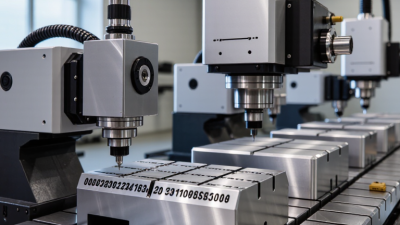
Common uses include serial numbers on metal tools, fine codes on electronic housings, and logos or batch details on packaged goods. A test coupon helps reveal whether a surface turns dark, light, or uneven under the chosen settings. Small differences in coating thickness can change the result. This is easy to underestimate. When comparing machines, consider the materials and mark sizes you actually need, along with extraction and enclosure requirements. An intricate code may look sharp on a sample yet become unreadable on a curved part. Testing the real shape and finish is more reliable than trusting a specification sheet alone.
| How to Choose the Best Laser Etching Machine? - Understand Laser Etching and Its Main Applications | ||||
|---|---|---|---|---|
| Laser Type | Typical Wavelength | Materials Commonly Marked or Etched | Typical Applications | Selection Considerations |
| Fiber laser | About 1,064 nm | Many metals, including stainless steel, aluminum, brass, and titanium; some engineered plastics, depending on their formulation. | Serial numbers, barcodes, logos, tool identification, and permanent part marking. | A common choice for metal marking. Check the required mark depth, work area, pulse settings, and compatibility with the specific metal or plastic. |
| CO₂ laser | About 10.6 μm | Wood, paper, cardboard, leather, acrylic, glass, and many other non-metallic materials. Bare metals generally require a suitable coating or marking compound. | Signs, packaging, craft products, leather goods, and cutting or engraving compatible sheet materials. | Well suited to many organic and non-metallic materials. Confirm that the material is laser-safe; some plastics can release hazardous fumes. |
| UV laser | About 355 nm | Many plastics, glass, ceramics, coated materials, and selected metals, subject to the material and process. | Fine text, small codes, electronics marking, and applications where limiting heat effects is important. | Often selected for fine detail or heat-sensitive parts. Compare the required mark quality, cycle time, and total system cost. |
| Diode laser | Commonly about 445–455 nm | Wood, paper, leather, and some opaque plastics. Results vary with color, coating, and material composition. | Hobby projects, personalization, small signs, and light-duty engraving. | Typically suited to lower-volume work. It is generally not the right choice for direct marking of bare reflective metals; verify material compatibility before use. |
| Key factor: material | Depends on the laser source | Identify the exact material, surface finish, coating, and thickness—not just the broad material category. | Helps determine whether the process will create a legible mark, a visible color change, or a recessed engraving. | Test representative samples where possible. Never process an unknown material without checking its safety data and suitability for laser use. |
| Key factor: production needs | Not applicable | Consider part size, mark area, required depth, detail, and variation between workpieces. | Supports selection for prototypes, custom items, or repeatable production marking. | Compare work-area dimensions, speed, software, automation options, maintenance needs, and the availability of local service. |
| Key factor: safety and setup | Not applicable | Requirements depend on laser class, material, and installation. | Safe operation in workshops, studios, and production environments. | Plan for appropriate guarding, interlocks, ventilation or fume extraction, operator training, and compliance with applicable safety rules. |
| Terminology note: “Etching,” “engraving,” and “marking” are sometimes used interchangeably in product descriptions, but the resulting mark can differ. Confirm the required appearance and depth with sample testing. Wavelengths and material compatibility shown here are typical; actual results depend on the machine, settings, and material formulation. | ||||