What Is a CNC Engraver and How Does It Work?
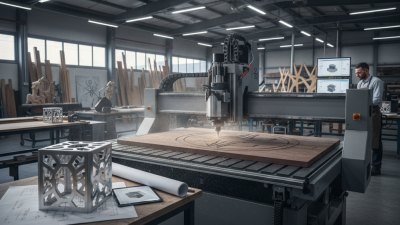
A cnc engraver turns a digital design into marks, grooves, or shallow cuts on a secured workpiece. It follows programmed movements rather than relying on a person to guide every pass by hand. The machine may look simple from the outside. Its accuracy depends on several parts working together: design software, a controller, moving axes, a spindle, and a suitable cutting bit.
The process begins with artwork or a CAD drawing. Software converts that design into toolpaths, which tell the machine where to move and how quickly. The controller sends those instructions to the motors. Meanwhile, the spindle rotates the bit against materials such as wood, plastic, or soft metals, depending on the machine and tooling. Small details often require slower movement and careful setup. A rushed pass can blur lettering or leave rough edges. That part is easy to underestimate.
This guide explains what a cnc engraver is, how its main components work, and what happens during a typical engraving job. It also covers practical factors such as bit selection, workholding, material limits, and routine safety checks. Not every machine performs the same way; specifications and manufacturer guidance matter. A compact desktop model, for example, may handle nameplates well but struggle with deep cuts in dense stock. Choosing one can involve trade-offs, and there is no perfect setup for every project. Understanding the process helps users make informed choices, set realistic expectations, and recognize when a design or machine setting needs another look.
What Defines a CNC Engraver
A CNC engraver is a machine that marks or cuts a design by following programmed movements. CNC means computer numerical control: software turns drawing coordinates into a toolpath, and a controller guides the machine. The head may hold a small rotating bit, while some machines use a focused laser. That matters. A bit removes material through contact; a laser alters the surface with concentrated heat.
What defines the machine is controlled, repeatable motion along set axes, not its size or appearance. A workpiece is secured to a bed. The machine moves the tool across its surface at specified speeds and depths. Before engraving, an operator checks the material, tool, bit depth or laser focus, and design scale. A shallow nameplate mark may need one pass; fine lettering often calls for slower movement and testing. Small errors show quickly.
CNC engraving can suit wood, plastic, coated metals, and other compatible materials, but one setup will not handle every surface equally well. Material response, tool wear, clamping, and dust or heat management affect the result. The software path can look perfect on screen. Yet machine flex or a shifting workpiece can leave rough edges. The definition sounds tidy; real setups are less tidy.
The Main Components of a CNC Engraving System
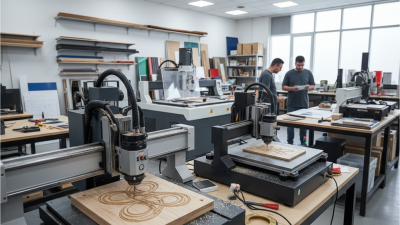
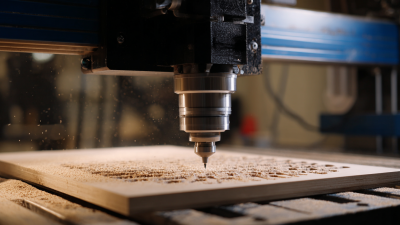
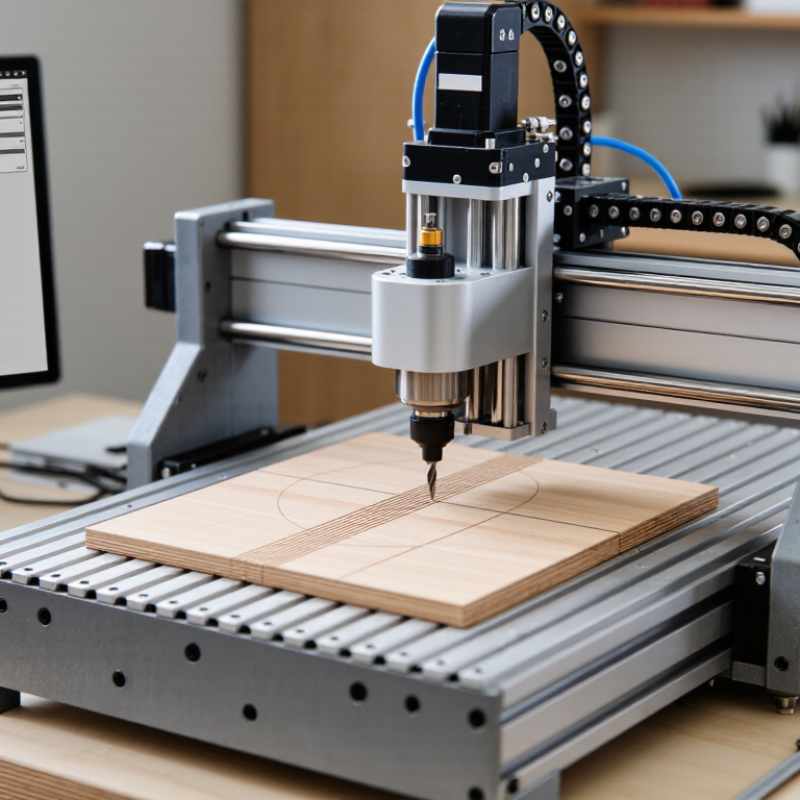
A CNC engraving system combines a rigid frame, a motion system, a cutting tool, and a controller. The frame supports the workpiece and helps limit vibration. On a bench, even a slight rattle can leave faint ripples in a line. A spindle or rotary tool holds the engraving bit and turns it at a controlled speed. The bit’s shape and size affect the width and finish of each cut.
The motion system moves the tool or workpiece along the machine’s axes. Motors, belts, screws, or linear guides provide that movement, while the controller follows instructions from design software. The operator sets the material, tool path, cutting depth, and speed. Workholding matters. Clamps or a flat bed keep the material from shifting during a pass. A loose panel can spoil an otherwise accurate job.
Good setup takes judgment. Test cuts on scrap help reveal whether the depth and feed rate suit the material. Dust collection can also improve visibility and keep debris away from moving parts. It is easy to overlook. No single setting works for every material, and experience helps users adjust without assuming the first result is perfect.
What Is a CNC Engraver and How Does It Work?
The Main Components of a CNC Engraving System
A typical 3-axis CNC engraver controls movement along three linear directions: X and Y move the tool across the work surface, while Z moves it up and down. The CNC controller interprets programmed instructions and coordinates the motors and spindle. The frame supports the machine, and the workholding system keeps the material in place.
How a Design Becomes an Engraved Pattern
A CNC engraver turns a digital design into controlled tool movement.
The process starts with a vector drawing or lettering file. In computer-aided manufacturing software, the operator selects a cutter, engraving depth, feed rate, and spindle speed. The software converts these choices into toolpaths and machine instructions, often G-code. Small choices matter: a cutter that is too wide can soften fine lettering, while excessive depth may leave rough edges.
Before cutting, the material is secured, and the machine’s origin is set. The controller follows each path, moving the cutter across the surface to create the pattern. A preview helps reveal missed details, but it cannot predict every material variation. The first test is rarely perfect. That is worth remembering. Deloitte’s 2024 Smart Manufacturing Survey found that 86% of surveyed manufacturing executives expected smart manufacturing solutions to drive competitiveness within five years. This broader industry finding highlights the value of connected design and production workflows, though it does not measure engraving accuracy.
Tips: Run a small test on scrap material. Check text size, cutter clearance, and depth before engraving the final piece. A slightly imperfect preview deserves a second look.
Materials and Surfaces a CNC Engraver Can Process
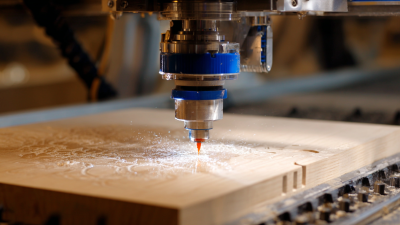
A CNC engraver can mark wood, plastics, and selected metals, but the result depends on the cutter, machine rigidity, and material setup. Softwoods cut quickly, though their grain can make fine lettering look uneven. Hardwoods hold crisp detail when the tool is sharp and feed settings are sensible. Acrylic can produce clean edges with suitable tooling; some plastics may melt or chip if heat builds up. Test a scrap piece.
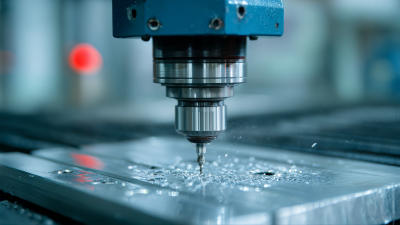
For metal, aluminum and brass are common choices for shallow engraving. Harder metals demand a suitably rigid machine and compatible tooling, so not every engraver can handle them well. Glass and slate need a different touch: a diamond-drag tool can mark glass, while stone often requires purpose-built cutters and conservative passes. The surface matters as much as the material. Flat panels are straightforward, but curved objects may need a rotary attachment. Uneven surfaces can cause inconsistent depth. Clean the workpiece, secure it firmly, and check the engraving at a modest depth before running the full design. I would not assume one setting transfers neatly between materials; a small test often reveals what the screen preview cannot.
Common Types and Uses of CNC Engravers
CNC engravers come in several forms, and each removes or marks material differently. Rotary engravers use a spinning cutting bit to carve lines into wood, plastic, or compatible metals. They suit nameplates, control panels, signs, and decorative lettering. The cutter leaves a physical groove. That detail matters.
Laser engravers use focused light to mark or cut suitable materials without a rotating bit. They are often used for logos, labels, patterns, and fine surface details on wood, coated metals, or certain plastics. A CNC router can also engrave with a small end mill, especially on larger panels and signs. Not every machine handles every material; coatings, thickness, and tool choice all affect the result.
The best type depends on the finish and the material. Rotary cutting can create a deeper, tactile mark, while laser marking is often better for fine detail. Before a full job, secure the workpiece and test settings on a scrap piece of the same material. A loose panel can shift and spoil an otherwise careful design. Dust and fumes need attention, too, with suitable extraction for the material being processed. It is easy to focus on the machine’s precision and overlook setup. In practice, a simple test cut can prevent wasted stock.